
Scan. Buy. Connect.
Install your travel eSIM in one tap. No QR code to hunt for, no app to install, no account to create. The fastest path from "I need data" to "I'm online," on iPhone and Android.
- ✓ No app
- ✓ No login
- ✓ No QR scan
- ✓ ~10 seconds
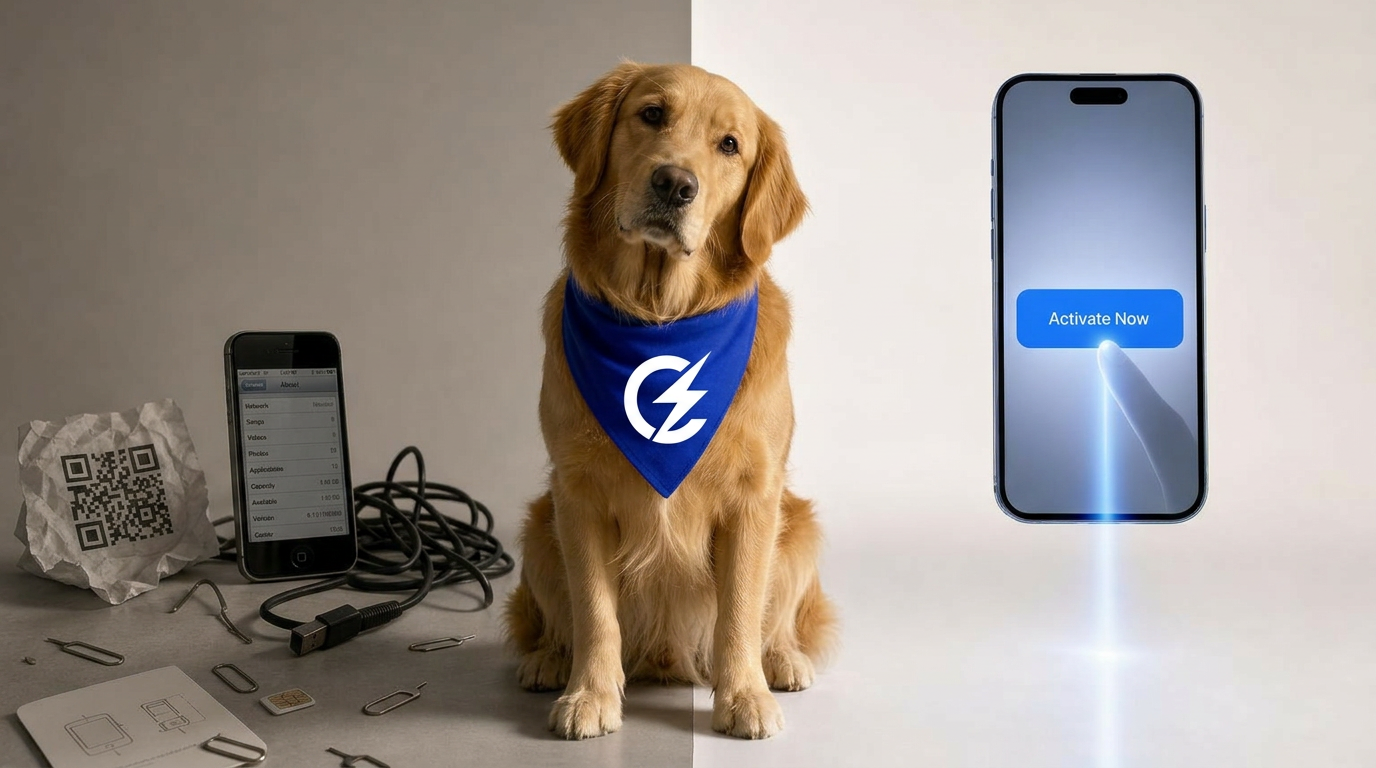
Traditional eSIM setup is still broken.
QR hunting. Email arrives, you switch devices, zoom in on a QR, scan with the phone that's installing, and pray it focuses.
App installs. Download a 60MB carrier app, create an account, verify an email, log in, just to receive a profile your OS already knows how to install.
Manual entry. Type a long activation code by hand. One wrong character, start over.
Three steps. About ten seconds.
Pick a plan
Choose a country, region, or global plan. Pay in seconds. No signup, no account creation.
Tap Activate Now
One button on your order confirmation. Your phone's own carrier-install screen opens directly.
You're online
Confirm on your phone and the line is live. Typical end-to-end time: about 10 seconds.
How One-Click Activation feels.
Every eSIM uses a small activation token defined by the GSMA standard. It's the same token that lives inside the QR codes other providers ask you to scan. Traditional setups make you deliver that token by scanning or typing. We hand it to your phone's operating system directly, so you don't have to.
On iPhone
Tap Activate Now and iOS opens its native Add eSIM flow with your profile preloaded. No app, no QR, no typing. Apple's own install screen takes it from there.
On Android
Tap Activate Now and Android's built-in eSIM installer opens with your profile ready to add. The OS contacts the carrier and finishes the install.
One tap vs. the old way.
| ConnectSIM | QR-code eSIM | Carrier app | Manual entry | |
|---|---|---|---|---|
| Steps to connect | 1 tap | 5–8 steps | 8–12 steps | 12+ steps |
| Time to online | ~10 sec | 1–3 min | 3–5 min | 5–10 min |
| App install | Not needed | Not needed | Required | Not needed |
| Account / login | Not needed | Sometimes | Required | Sometimes |
| QR code scanning | No | Yes | Sometimes | No |
| Works on iOS & Android | Yes, both | Yes | Varies | Yes |
| Can buy before travel | Yes | Yes | Yes | Yes |
Works on most phones from 2018 onward.
iPhone XS and newer, Pixel 3 and newer, Samsung Galaxy S20 and most newer flagships. If your phone supports eSIM at all, One-Click Activation works.
Questions about one-click activation.
Do I need to install an app to activate my eSIM?+
No. One-Click Activation uses the activation surfaces already built into iOS and Android. You tap Activate Now and your phone's own carrier-install screen opens. No third-party app, no login, no account.
Do I have to scan a QR code?+
Not on the device you bought from. We hand off the eSIM profile directly to your phone's OS through a universal link. QR codes are still available as a fallback for the rare case where you bought on one device and want to install on another.
Does it work the same on iPhone and Android?+
Yes. It's one tap on both. We detect your device automatically and route you into the native eSIM install flow built into iOS and Android. Same experience, no app, no QR.
Do I need an account to activate?+
No. There is no account, no password, and no email verification required to activate. Your order receipt and activation link are enough.
Does my phone need to be online for activation?+
Yes, briefly, on Wi-Fi or your existing cellular line. The phone needs a few seconds of connectivity to download the eSIM profile from the carrier. After that, the new line is live.
Will this break my regular SIM or my phone number?+
No. The eSIM installs as a second line. Your primary SIM, phone number, iMessage, and 2FA codes all keep working. You choose which line uses data.
Can I activate before I travel?+
Yes. You can install the eSIM as soon as you buy and toggle the data line on the moment you land. Most plans only start counting validity from first network connection abroad. Check your plan page for specifics.
Is one-click activation secure?+
Yes. Activation runs through the secure eSIM install flow built into iOS and Android, the same standards-based path every major carrier uses. We never see or store your IMEI, EID, or device identifiers.